
Put photo inside the party package
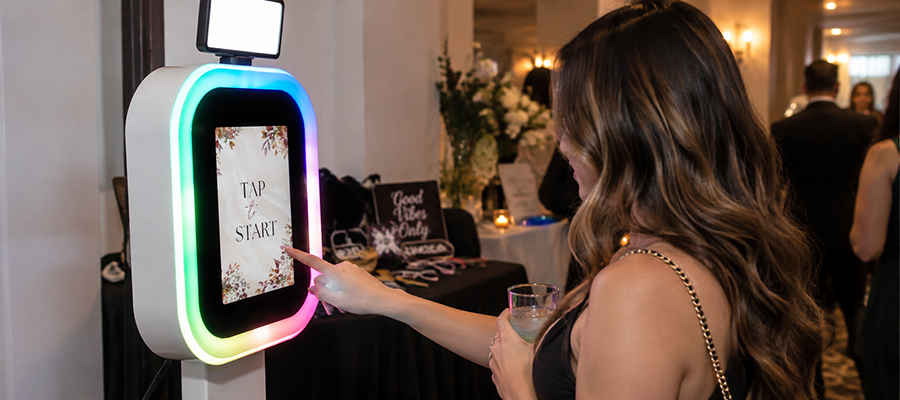
A venue photo system is a capture point the venue runs itself, without hiring a photographer and without renting a booth for the night, so photos are part of what a booking includes. Curator Live runs that capture point on an iPad.
Birthdays, league nights, lock-ins and corporate hires all get the same experience, and the room does not need a member of staff standing beside it to make that happen.



 A 30-minute call with a real person on the Curator team, built around how you run events.

Curator
Your photos are ready. Share instantly ✨
Where Curator already runs
Countries those events took place in
Operating since December 2015
Online chat staffed around the clock
It runs when nobody is watching it
A party room is booked in blocks and empty in between. The capture point has to open, close and reopen on its own.
Kiosk Mode and event codes
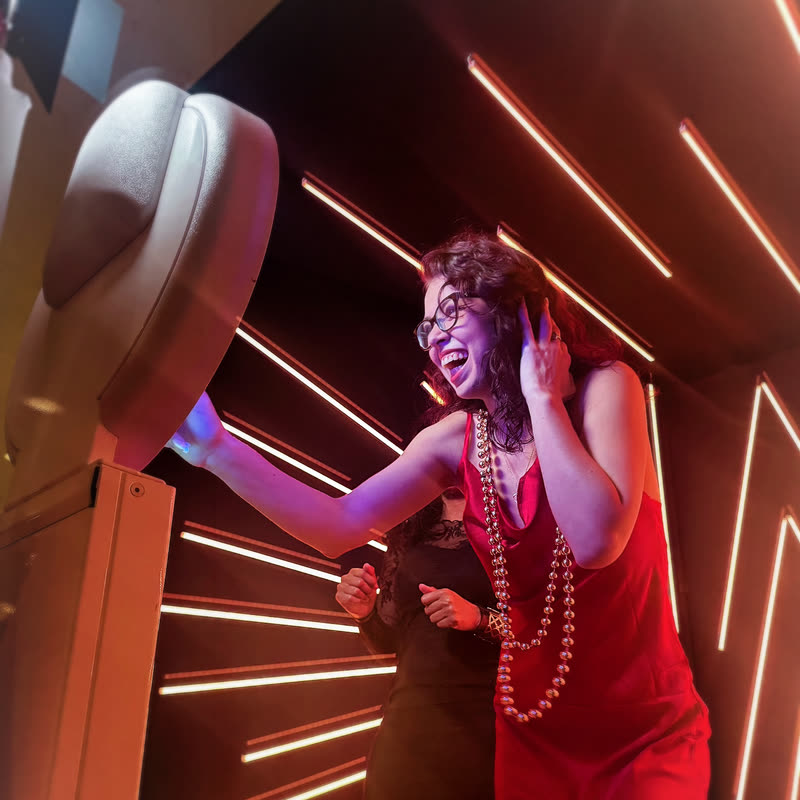
The iPad locks to one event and launches from an event code. A shift lead opens the room with a code rather than your account password, and cannot wander into your settings from there.

Closed between parties
Booth Closed mode holds the screen on a message you write yourself, without quitting the event or the app. The next party starts it again in a tap.
Locked to the app
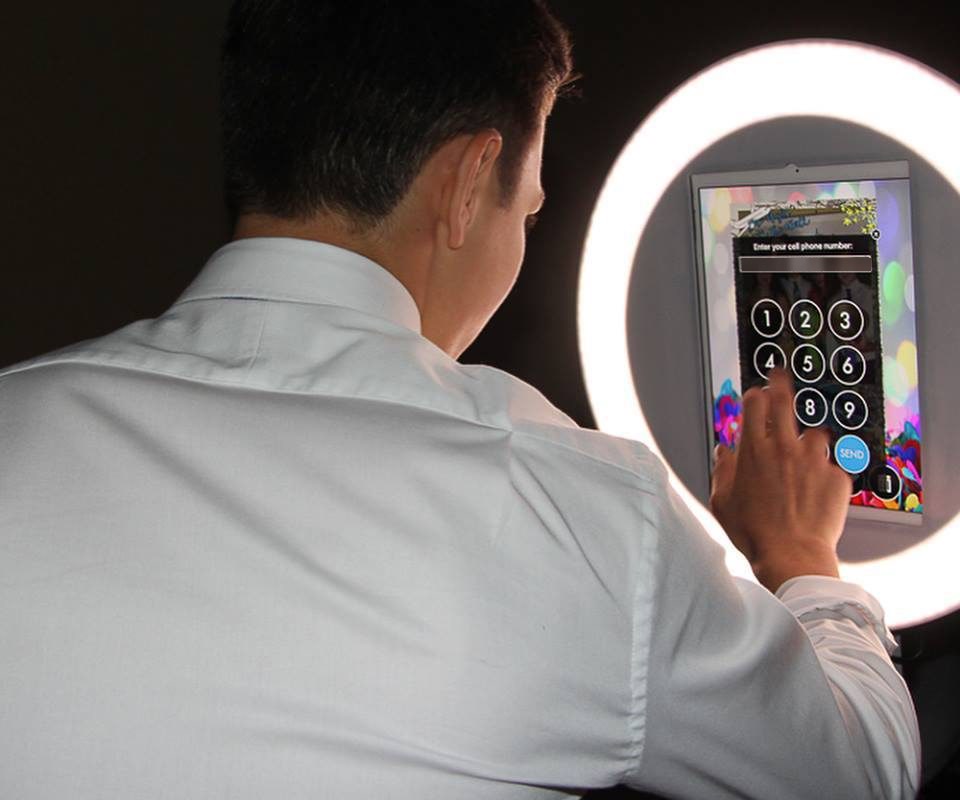
Apple’s Guided Access keeps a guest inside Curator. With an MDM that supports Autonomous Single App Mode, tested with SimpleMDM and Jamf, the iPad locks itself into Curator when the event starts and releases when it ends.
Build it once, sell it every weekend
A package is repeatable or it is not a package. Everything below is set up one time and reused.
Event templates
Save a configured event as a template and duplicate it for the next booking. Branding, experiences, data capture, delivery and messaging can all be changed after an event is activated. The dates are what stay fixed.
Prints without a laptop
Direct USB printing runs an iPad straight into a DNP or Citizen dye-sublimation printer over one cable. No computer, no print server, nothing on the network to configure.
Print tiers that upsell
One event can output up to eight print sizes at once, so a bronze package gets 2×6 strips and a premium package adds 6×4. Jumbo strips at 6×14, 6×20, 8×22 and 8×32 print as a single continuous strip.
Print rules you set
Auto Print puts a set number of copies out of every capture whether or not a guest taps Print, a maximum-prints cap stops one table clearing your media, and printing can be allowed per experience.
Put the photo in the package, or sell it at the door
A photo can be part of a party package or sold on its own to the family who walked in without booking. Sales are set per event, so the same capture point can do both across one weekend.
Walk-ups pay first
A guest who is not on a booking pays at the kiosk and then takes the photo. Nothing to ring through the point of sale, and nothing to reconcile at the end of a shift.
Parties pay after
Or let the room shoot all afternoon and sell the gallery at the end. Photos carry a sales watermark until somebody buys them, and the parents do the buying on their own phones in the car park.
The takings are yours
Payment runs through a Stripe account you connect and own, and the currency is set on the event. Managing sales is its own permission, so a shift lead can run it without your account password.
Pricing an all-photos price, a per-photo price, or both, each switched on separately.
Collections built automatically by a rule you choose, including Photo Match, so one family buys one set out of a busy Saturday.
Live Photo Collections keep adding to a gallery somebody has already bought at no extra charge, or switch it off and price each new set on its own.
Confirmation the screen after payment carries your wording, which is where the next booking gets asked for.
Let the room leave a message
A video guest book records confessional-style messages with external audio, built from a CustomFX experience and the Video Guest Book Confessional template. Recording length and video size are yours to set, so a sweet-sixteen gets thirty seconds a guest and a retirement party gets longer.
It runs from the same iPad and the same event as the photo experiences, on the same licence.
Every party leaves you something to work with
A parent who gets the photo before they reach the parking lot is a parent you can reach again in March.
Guest details, with consent first
A disclaimer you write appears before anything is collected, and can require a tick to continue. After that, capture an email address, a phone number, a name, a birthday and up to eight fields of your own.
Export and follow up
Download event data as a spreadsheet, filtered and column-selected before it leaves. Post-event text campaigns can embed each guest’s own last photo in the message so they remember which party it was.
Numbers on the room
Capture counts, gallery views, share counts and data-capture totals sit in one dashboard with date-range filtering, so you can compare a Saturday in November against a Saturday in June.
Text campaigns run through your own Twilio account and a vanity URL you have already used on the event. Curator does not charge per message; Twilio bills you directly. Campaigns send one way, so add an unsubscribe line.
A dropped connection is not a cancelled party
Photos capture to a queue on the device, printing continues, and the app behaves exactly as it does online. Text and email delivery pause and send themselves once the connection returns. While a queue is sending, leave the app open. Closing it or switching events before the queue clears discards what is still in it.
Someone is awake while your event runs
Online chat is staffed 24 hours a day, seven days a week, including the Saturday night a printer jams halfway through a birthday. Chat stays open while your event runs.
When it cannot wait for a chat reply, there is a number for emergencies during a live event: +1 (800) 708-0247.
Common questions
What is a venue photo system?
A venue photo system is a capture point the venue runs itself, without hiring a photographer and without renting a booth for the night, so photos are part of what a booking includes. Curator Live runs that capture point on an iPad, and has been operating since December 2015 across 96 countries.
Can it run between parties without a member of staff?
Yes. Kiosk Mode locks the iPad to one event and launches it from an event code, Booth Closed mode holds a message you write between bookings, and an MDM that supports Autonomous Single App Mode can lock the iPad into Curator when the event starts and release it when the event ends. SimpleMDM and Jamf are tested.
Can we set the same party up every week without rebuilding it?
Yes. Save a configured event as a template and duplicate it for each booking. Branding, experiences, data capture, delivery and messaging can still be changed after an event has been activated; the dates are what stay fixed.
Can we print on site without a laptop or a print server?
Yes. Direct USB printing runs an iPad straight into a DNP or Citizen dye-sublimation printer over one cable, with no computer and nothing on the network to configure. One event can output up to eight print sizes at once, and jumbo strips at 6×14, 6×20, 8×22 and 8×32 print as a single continuous strip.
Can guests leave a video message?
Yes. A video guest book records confessional-style video messages with external audio, built from a CustomFX experience and the Video Guest Book Confessional template. Recording length and video size are adjustable, and it runs from the same iPad and the same event as the photo experiences.
How do we use it to fill next month’s parties?
Capture an email address, a phone number, a name, a birthday and up to eight fields of your own, behind a disclaimer you write, which appears before anything is collected. Export the results as a spreadsheet, and send a post-event text campaign that embeds each guest’s own last photo. Campaigns run through your own Twilio account and a vanity URL already used on the event.
What happens if the internet goes down mid-event?
The event keeps running. Photos capture to a local queue, printing continues, and the booth behaves exactly as it does online. Text and email delivery pause and send automatically once the connection returns.
How many devices does one licence cover?
One licence covers one device.
Can we sell photos rather than include them in the package?
Yes, and you can do both. Sales are turned on per event, so a party package can include the gallery while a walk-up pays for it. Set an all-photos price, a per-photo price, or both. A kiosk can take the payment before it runs the session, or the photos can carry a sales watermark that lifts when somebody buys. The money runs through a Stripe account you connect and own.
See it in your party room
Book a demo and we will build the package around how your rooms are actually booked, or start a free trial and set it up yourself.