
Run a scare cam that never stops the line
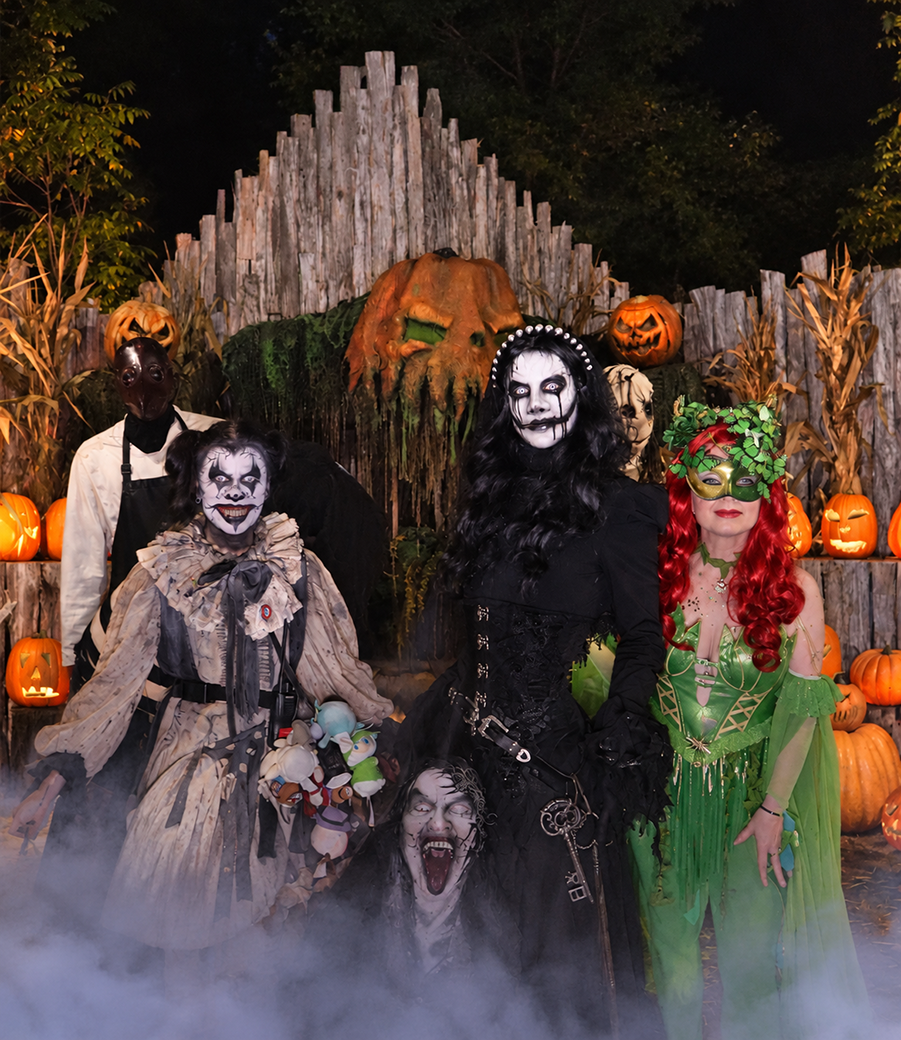
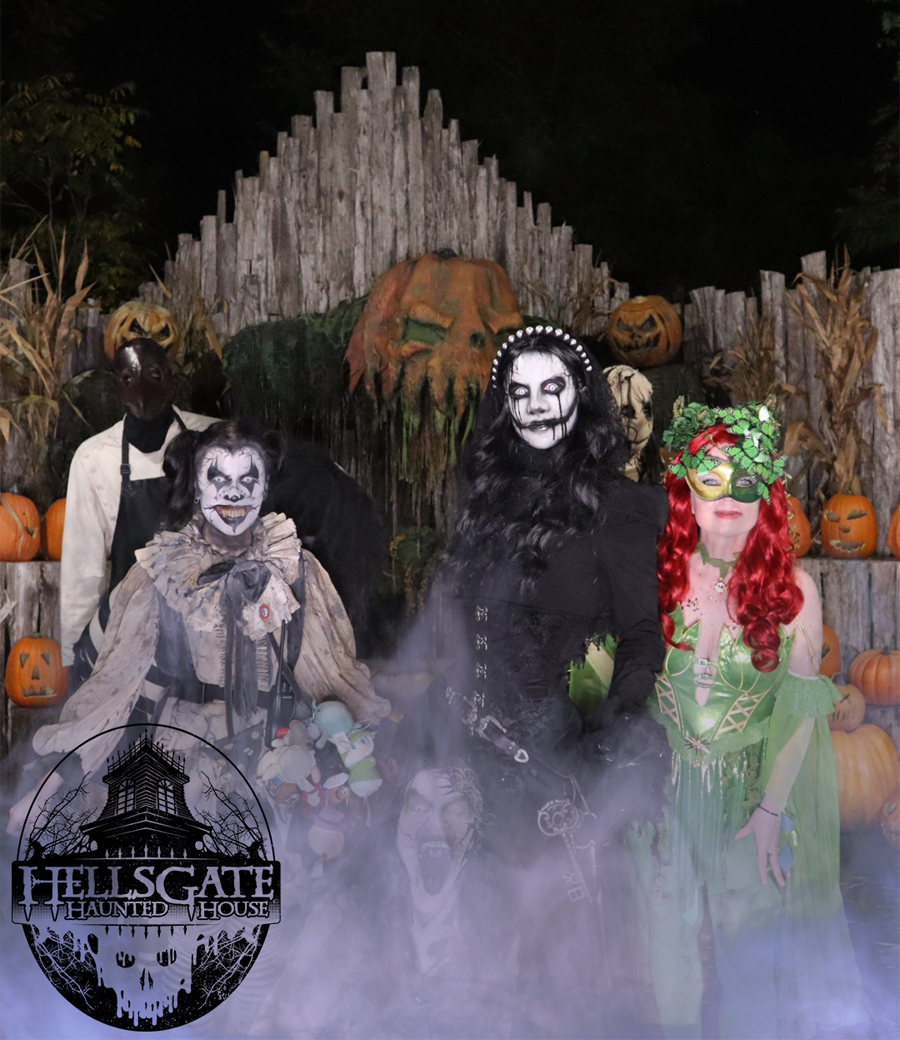
A haunted house scare cam is a camera fixed at a scare point that fires as guests react and sends each photo to their own phone. Curator Live runs that capture, the delivery and the printing from one iPad app.
Your season is a handful of weekends and throughput is the whole business. Nothing here makes a guest stop at a screen, and nothing puts a member of your cast behind a camera instead of in the scene.



 A 30-minute call with a real person on the Curator team, built around how you run events.

Curator
Your photos are ready. Share instantly ✨
Where Curator already runs
Countries those events took place in
Operating since December 2015
Online chat staffed around the clock
The queue is the constraint
Every second a guest spends at a screen is a second the line is not moving. Three settings take the screen out of the walkthrough entirely.

Capture with no share screen
Capture Only mode takes the shot and returns the app straight to its attract screen. The guest is photographed and keeps walking. There is no sharing step inside the haunt at all.
Guests register in the queue
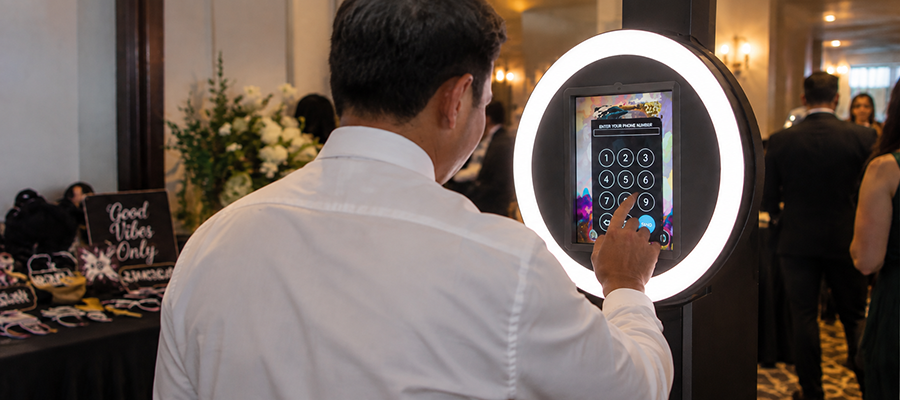
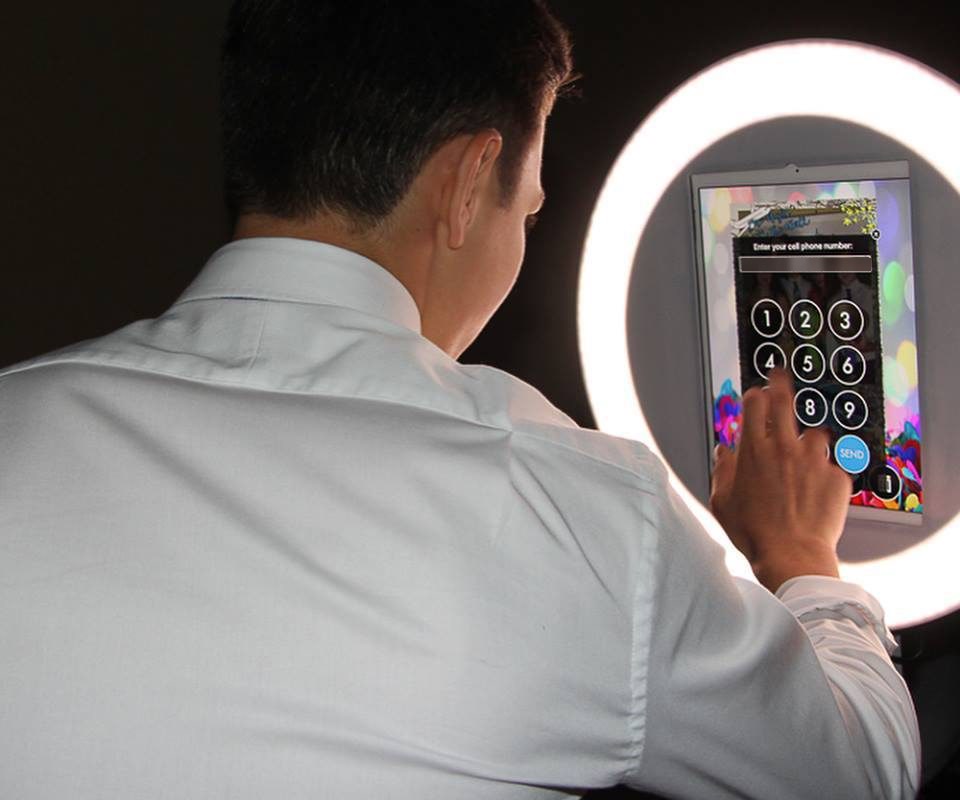
Pre-registration puts a QR code in the line. A guest scans it, enters a phone number or an email address, and gets a personal QR ticket. Staff scan the ticket at the scare point and the photo sends itself.
Printed QR cards at the gate
For a multi-attraction park, or several scare points on one trail, hand out printed QR access cards at admission. One card carries a guest through every capture point on the site.
Built for the light you actually have
A haunt runs at a few lux with a strobe going. The camera and the flash both need to be under your control.
Real cameras, tethered
Curator captures through a DSLR or mirrorless body over USB, around 130 models across Canon EOS, Nikon, Sony and Olympus / OM System, on iOS 16 or newer.
Camera control in the app
Set ISO, shutter speed, aperture and white balance from inside Curator, with separate values for live view and for the capture itself.
Flash you can dial in
Drive up to eight Lume Cube 2.0 flashes over Bluetooth: brightness, flash speed, battery and signal on one screen, and cubes can fire at different intervals.
Firing on cue
A Bluetooth shutter remote advances the capture, so the shot is triggered from where your actor already stands rather than from an iPad someone has to reach.
Set it up once, run it every night
A scare point should open with the attraction and close with it, without anyone signing into an account on the floor.
Kiosk Mode
The iPad locks to one event and starts the experience from an event code. Whoever opens the attraction types a code, not your account password.
Event PIN
A four-digit PIN keeps the in-app settings closed, so a curious guest or a new seasonal hire cannot reach the configuration mid-night.
Booth Closed mode
Pause the scare point behind a full-screen message you write yourself, without quitting the event or the app, and bring it back the moment the queue restarts.
The barn Wi-Fi will drop. The night carries on.
Photos capture to a queue on the device, printing continues, and the app behaves exactly as it does online. Text and email delivery pause and send themselves once the connection returns. A guest who scanned before their photo had uploaded gets a Notify Me page, and is texted or emailed the moment it is ready.
One thing worth knowing: while a queue is sending, leave the app open. Closing it or switching events before the queue clears discards what is still in it.
Guests find their own photos
Photo Match lets a guest pull their own pictures out of the gallery instead of scrolling past strangers. The guest asks for their own photos, and reaches a gallery with nothing in it but their own.
Photos reach guests by text, email, QR code or AirDrop, and land in an event gallery they can come back to. An RFID wristband or tag can be scanned instead, so a guest never types anything at all.
Someone is awake while your attraction runs
Online chat is staffed 24 hours a day, seven days a week, which is what a season made of Friday and Saturday nights in October needs. Chat stays open while your event runs.
When it cannot wait for a chat reply, there is a number for emergencies during a live event: +1 (800) 708-0247.
Common questions
What is a haunted house scare cam?
A haunted house scare cam is a camera fixed at a scare point that fires as guests react and sends each photo to their own phone. Curator Live runs that capture, the delivery and the printing from one iPad app, and has been operating since December 2015 across 96 countries.
How does the camera fire if nobody is operating it?
A Bluetooth shutter remote advances the capture, so the shot is triggered from where your actor already stands rather than from an iPad someone has to reach. The remote pairs in iOS Settings and is switched on inside the event.
Will the photo slow the queue down?
It does not have to. Capture Only mode takes the shot and returns the app straight to its attract screen, with no sharing step in between, so a guest is photographed and keeps walking. Guests who scanned a pre-registration QR code in the line have their photo sent to them automatically.
Can it shoot in the dark?
Curator captures through a tethered DSLR or mirrorless camera and puts ISO, shutter speed, aperture and white balance inside the app, with separate values for live view and for the capture itself. Up to eight Lume Cube 2.0 flashes can be driven over Bluetooth from the same screen, at different intervals if you want them fired in sequence.
Can we run the same setup every night without handing out account passwords?
Yes. Kiosk Mode locks an iPad to one event and starts it from an event code, so whoever opens the attraction never sees your account credentials, and a four-digit event PIN keeps the in-app settings closed.
How do guests find their own photo afterwards?
Photo Match lets a guest pull their own pictures out of the gallery instead of scrolling past strangers. The guest asks for their own photos, and reaches a gallery with nothing in it but their own. Photos also reach guests by text, email, QR code or AirDrop.
What happens if the internet goes down mid-event?
The event keeps running. Photos capture to a local queue, printing continues, and the booth behaves exactly as it does online. Text and email delivery pause and send automatically once the connection returns.
How many devices does one licence cover?
One licence covers one device.
See it running before your season starts
Book a demo and we will walk through the scare point, the queue and the delivery, or start a free trial and build it yourself.